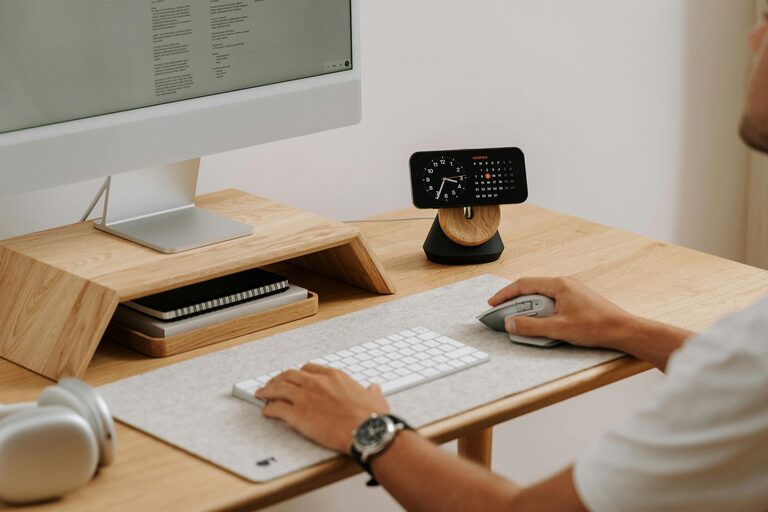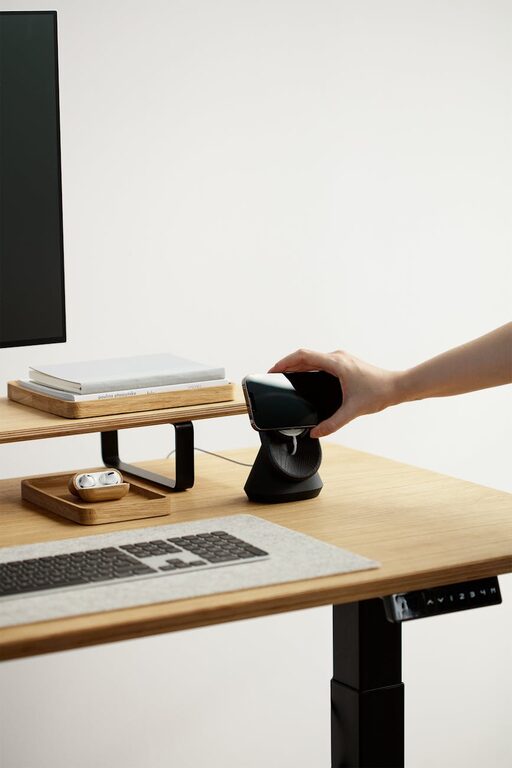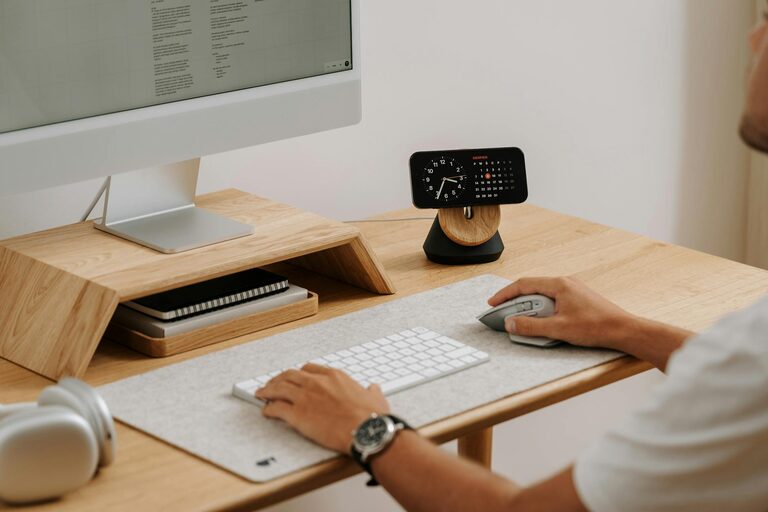
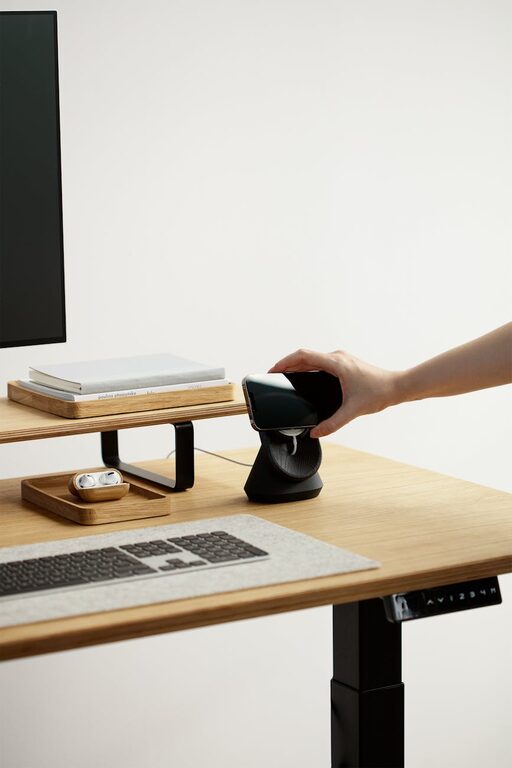
Creating a cozy and functional home workspace is essential for anyone working from home or pursuing creative projects. A well-designed workspace can boost your productivity and keep you comfortable throughout the day. Whether you have a dedicated room or just a small corner, these tips will help you create an inspiring and practical environment.
Assess Your Space and Needs
Before you start setting up, consider the space you have available and how you plan to use it. Ask yourself:
– Will this space mainly be for computer work, writing, or crafting?
– How many hours will you spend here daily?
– Do you need space for multiple devices or storage?
– What kind of lighting is available?
Understanding your requirements will guide you in choosing the right furniture and layout.
Choose Comfortable and Supportive Furniture
Your chair and desk are the backbone of your workspace comfort.
Invest in a Good Chair
Look for a chair that supports your posture with adjustable height and backrest options. Comfort is key to prevent back or neck pain.
Pick the Right Desk
Your desk should have enough surface area for your essential tools but still fit well in your space. Consider adjustable or compact desks if space is limited.
Optimize Lighting
Lighting affects mood, energy, and eye strain. Natural light is ideal, so set up your workspace near a window if possible.
– Use sheer curtains to soften harsh sunlight.
– Add task lighting, like a desk lamp, for focused work.
– Choose bulbs with a daylight spectrum for a bright but warm atmosphere.
Personalize Your Space
Adding personal touches makes the workspace welcoming and inspiring.
– Use colors you enjoy, either through wall paint, accessories, or stationery.
– Add plants to bring freshness and improve air quality.
– Display artwork or motivational quotes that encourage focus.
Organize for Efficiency
A cluttered workspace can distract you and slow productivity.
Use Storage Solutions
– Shelves, drawers, and baskets help keep supplies organized.
– Desk organizers keep essential items within reach.
Keep Cables Tidy
Use cable organizers or clips to avoid tangled wires and provide a clean look.
Minimize Noise and Distractions
If possible, choose a quiet area away from high-traffic zones.
– Use noise-cancelling headphones or white noise machines if needed.
– Set boundaries with family or roommates to respect your working time.
Maintain Good Ergonomics
Prevent strain and increase comfort by setting up your workspace ergonomically.
– Position your monitor at eye level about an arm’s length away.
– Keep your feet flat on the floor or on a footrest.
– Use a keyboard and mouse that reduce wrist strain.
Incorporate Break Areas
Even in a small space, create a spot to take short breaks.
– A comfortable chair or cushion for stretching or reading can help.
– Use this area to rest your eyes and refresh your mind during the workday.
Keep It Flexible
As your work habits or projects change, your workspace might need adjustments.
– Choose modular furniture that can be rearranged.
– Rotate decorative items or supplies to keep the space feeling fresh.
Final Thoughts
Creating a cozy and functional home workspace is about balancing comfort and efficiency. By evaluating your needs, investing in quality furniture, optimizing lighting, organizing smartly, and personalizing your environment, you can build a space that encourages productivity while making you feel at ease. Remember, a great workspace evolves with you—don’t hesitate to tweak it as your routine changes.
Start small, and enjoy the process of making your home workspace uniquely yours!