Creating a productive home office environment is essential for anyone working remotely or managing tasks from home. Whether you’re a freelancer, a remote employee, or simply need a dedicated space to handle your projects, the right setup can make a big difference. A productive workspace can improve focus, reduce distractions, and enhance your overall work experience.
In this post, we’ll explore practical tips to help you design and maintain a home office that encourages productivity and comfort.
Choose the Right Location
The first step in creating a productive home office is selecting the ideal spot in your home. Consider a space that:
– Is quiet and free from distractions.
– Has enough natural light to keep you energized.
– Is separate from high-traffic areas to minimize interruptions.
– Provides space for your equipment and supplies.
A dedicated room is perfect, but if that’s not possible, a corner with a screen or room divider can work well.
Invest in Ergonomic Furniture
Comfort plays a major role in productivity. Sitting for long hours in an uncomfortable chair can cause strain and reduce your ability to focus. Here’s what to look for:
– Ergonomic chair: Choose one that supports your lower back and allows you to sit with your feet flat on the floor.
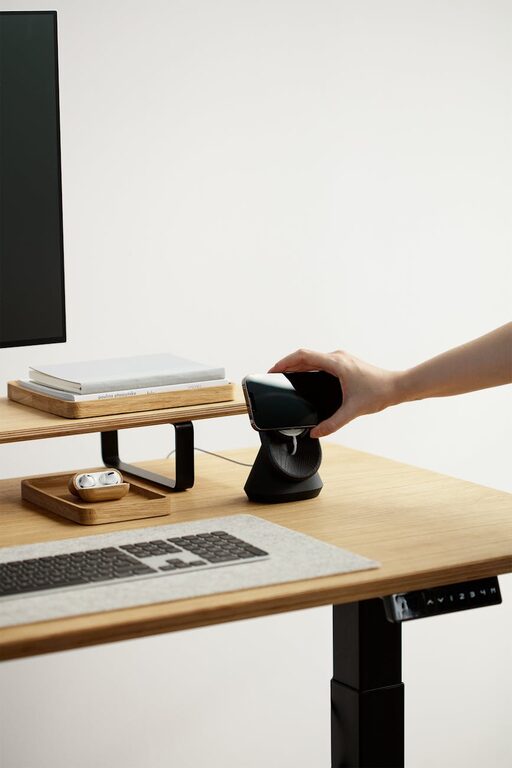
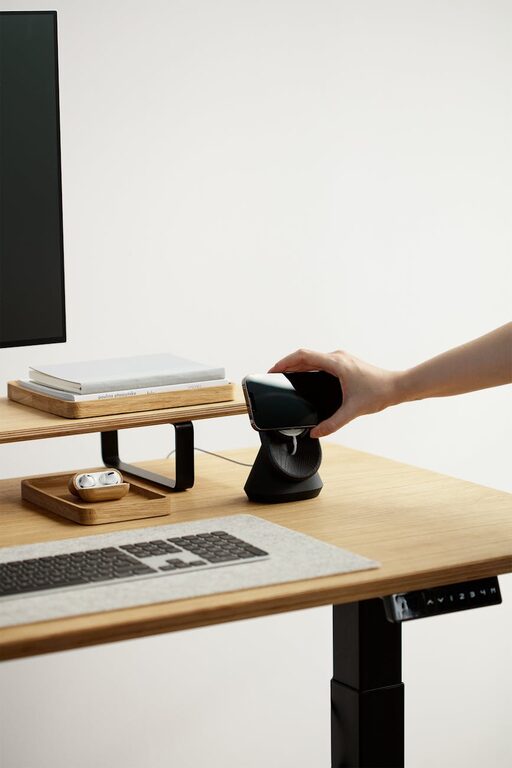
– Adjustable desk: A desk at the right height or a sit-stand desk can help prevent posture issues.
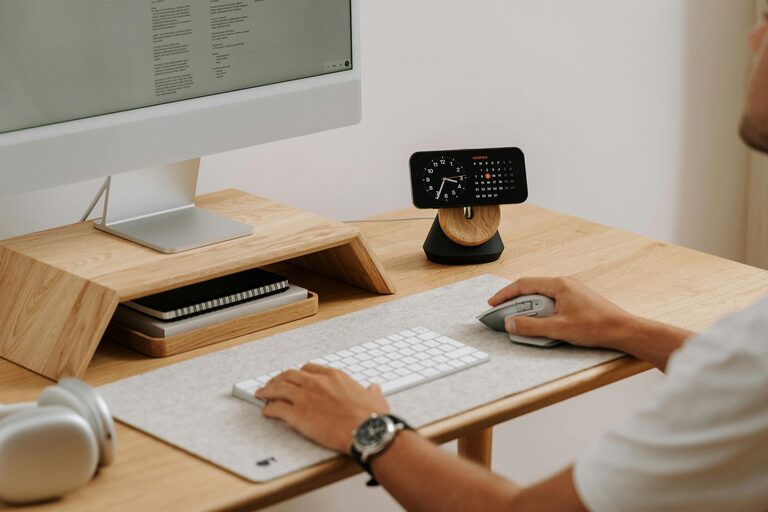
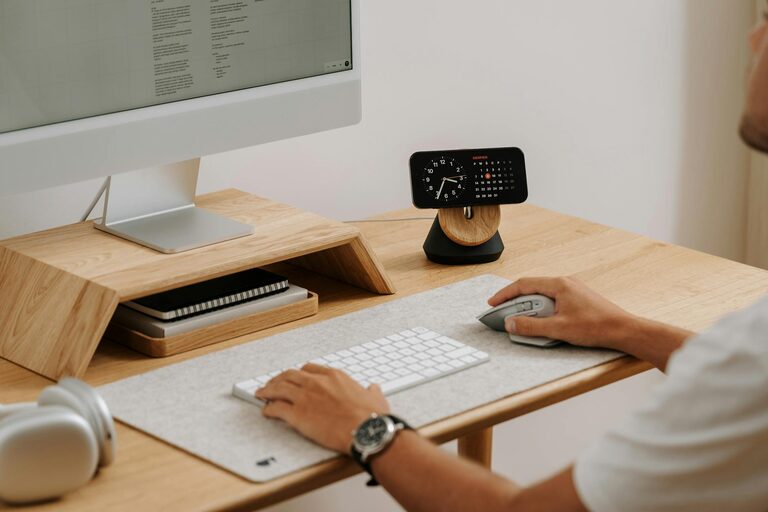
– Proper monitor placement: Keep your monitor at eye level to reduce neck strain.
Working comfortably helps you stay focused and reduces fatigue.
Optimize Lighting
Lighting impacts both your mood and productivity. To improve your workspace lighting:
– Maximize natural light by placing your desk near windows.
– Use soft, warm artificial lighting to reduce eye strain.
– Avoid glare on your computer screen by adjusting the angle or using blinds.
Consider a desk lamp with adjustable brightness for late-night work sessions.
Organize and Declutter
A cluttered space can distract you and reduce your ability to concentrate. Keeping your home office tidy helps you stay organized and work efficiently.
– Use shelves, drawers, or filing cabinets to organize documents.
– Keep only necessary items on your desk.
– Regularly declutter your workspace to remove unnecessary items.
– Use cable management tools to avoid tangled cords.
When your space is clear, your mind can focus better.
Set Boundaries and Work Hours
One challenge of working from home is managing time and separating work from personal life. To maintain productivity:
– Set specific work hours and stick to them.
– Communicate your schedule with family or roommates.
– Use a dedicated workspace to signal your work mode.
Establishing boundaries helps you maintain focus during work and relax afterward.
Minimize Distractions
Distractions can quickly derail your productivity. To create a focused environment:
– Silence unnecessary notifications on your devices.
– Use noise-canceling headphones or play background music if it helps concentration.
– Inform others in your home about your work hours to avoid interruptions.
Identifying and controlling distractions is key to staying on task.
Personalize Your Workspace
Adding personal touches can make your home office a pleasant place to spend time. Consider:
– Decorating with plants to improve air quality and mood.
– Adding artwork or photos that inspire you.
– Choosing a color scheme that energizes or calms you.
A workspace you enjoy will motivate you to be productive.
Use Technology Wisely
Leverage tools and apps to boost your efficiency:
– Use task management apps like Trello or Asana to organize your work.
– Utilize calendar apps to schedule breaks and meetings.
– Employ cloud storage to access your work from anywhere.
Technology can streamline your workflow when used effectively.
Take Regular Breaks
Working continuously can lead to burnout and decreased productivity. Remember to:
– Take short breaks every hour to stretch and rest your eyes.
– Use techniques like the Pomodoro method to balance work and rest.
– Step outside for fresh air or a quick walk when possible.
Breaks refresh your mind and body, allowing you to return to tasks with renewed focus.
Maintain Good Air Quality and Temperature
Comfortable air quality and temperature greatly affect your ability to concentrate:
– Ensure your office has proper ventilation.
– Use a fan or heater as needed to maintain a comfortable temperature.
– Consider adding an air purifier if your space tends to feel stuffy.
A comfortable environment supports better work performance.
Final Thoughts
Creating a productive home office takes intentional planning and ongoing effort. By choosing the right location, investing in ergonomic furniture, optimizing lighting, and maintaining an organized, distraction-free space, you set the stage for success. Remember to personalize your workspace and take care of your well-being with regular breaks and a comfortable environment.
With these tips, you can enjoy a more focused and enjoyable work-from-home experience. Start small, make gradual improvements, and watch your productivity grow!